Summary: Lab clients need one stable nameserver face. This guide treats Pi-hole as that path: forward lab zones to an authoritative identity DNS, keep public recurse for the internet, and verify with read-only dig — without publishing private addressing.
Step 1 — Name the role
In a small lab, breaking fleet DNS is breaking the network. Pi-hole is a useful client-facing nameserver: guests point at one stable address; lab zones forward to authoritative DNS (for example FreeIPA for identity zones); public names use ordinary recursive upstreams (not the identity servers — those often have no WAN).
Label honesty: this is lab. It is not a claim of production DNS architecture expertise.
Step 2 — Safety before you touch live DNS
If Pi-hole is already healthy as the fleet path, prefer Verify over Install. Do not reinstall, recreate the guest, or restore over live without an explicit rebuild plan. Do not restart the DNS engine for routine health checks when a lighter reload keeps the process stable. Keep the admin UI off the public internet. Store the admin password in a vault item — never in git, chat, or command lines that get logged.
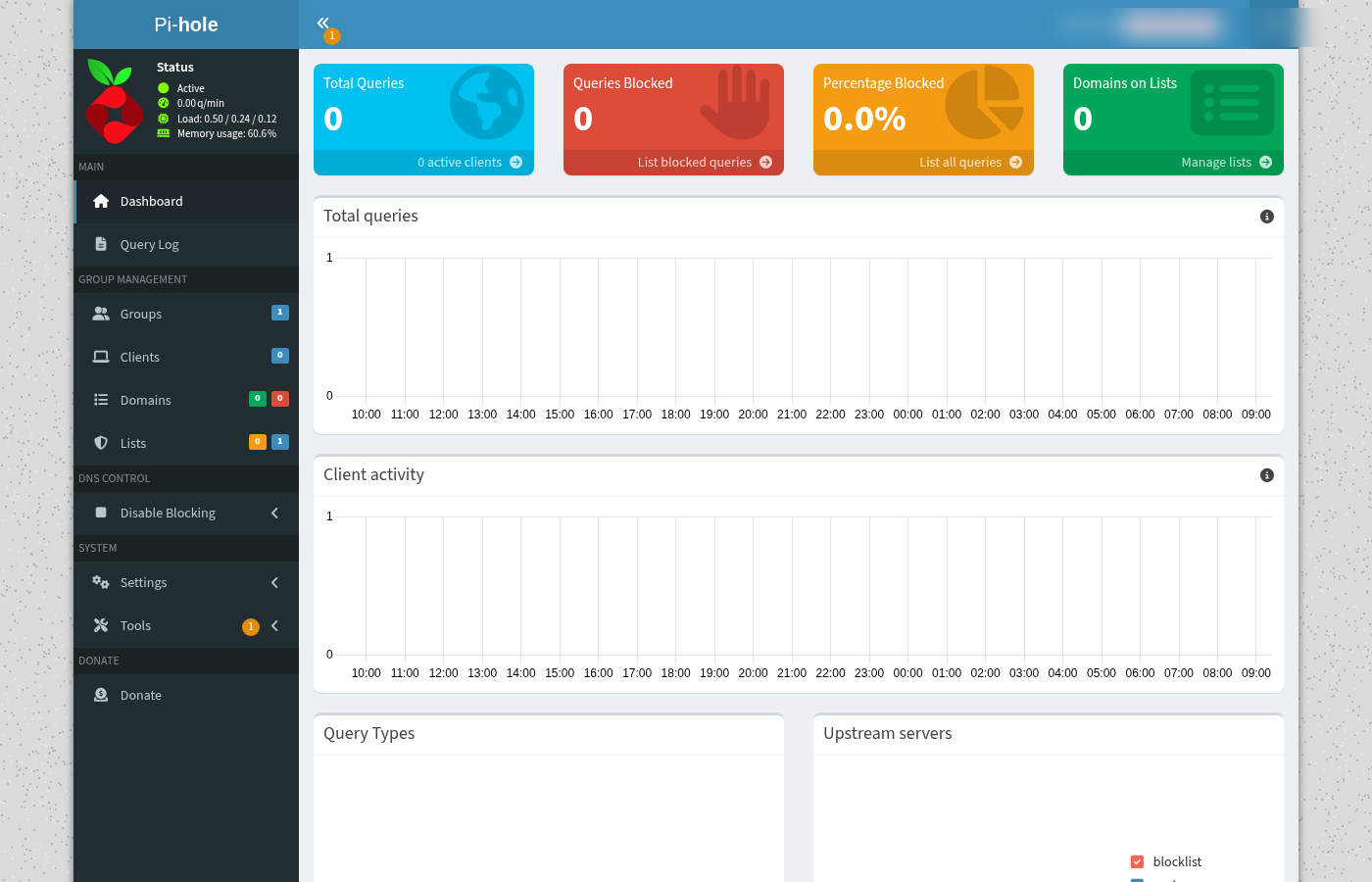
Step 3 — Shape the path
Target shape (placeholders only — no underlay published):
- Clients → nameserver
dns-path.example.lab(Pi-hole) - Lab zones → conditional forward / revServers →
ipa-ns-a.example.lab+ipa-ns-b.example.lab - Public recurse → ordinary public resolvers (not identity DNS as a general upstream)
- Local DNS / hosts belt → minimum A records for hub, console, and identity FQDNs during parity; prefer FQDNs over short names that drift
[lab guests] --DNS--> [Pi-hole path face]
                         |-- lab zones --> [identity / authoritative NS]
                         -- public names --> [public recursive upstreams]
Watch out: stale Local DNS or guest /etc/hosts pins to a retired address look like “DNS works” until something critical resolves wrong. Treat leftover answers that point at dead faces as defects to fix — not as pass criteria.
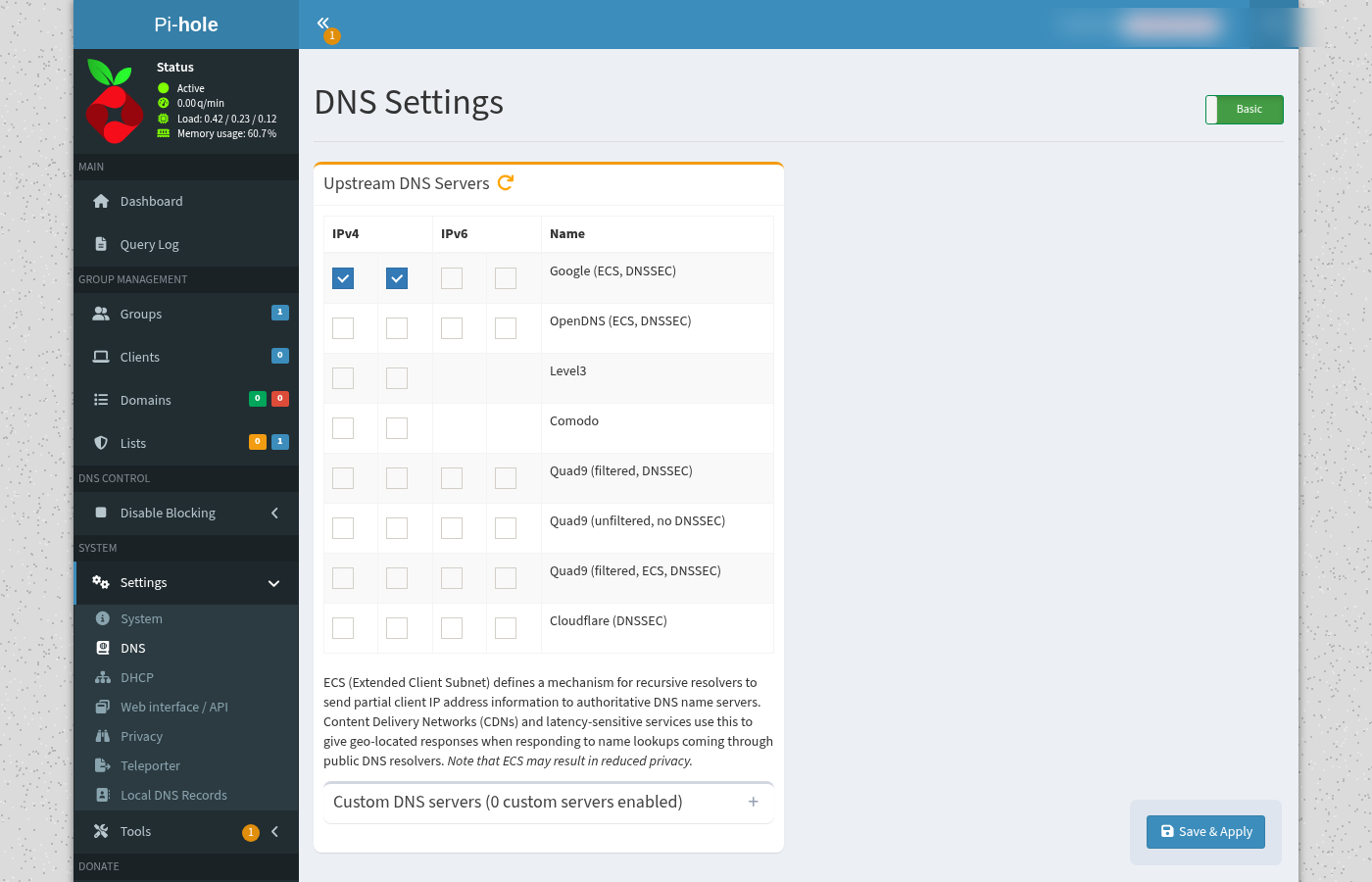
Step 4 — Verify read-only
From a jump host, prove both a lab FQDN and a public name through the path face. Do not mutate Local DNS or restart the DNS engine as part of Verify.
# Placeholders — substitute your scrubbed lab nameserver and FQDNs
dig @dns-path.example.lab ipa.example.lab +short
# expect: identity NS A (current hatch), not a retired face

dig @dns-path.example.lab example.com +short
# expect: public A (WAN recurse still works)

curl -sS -o /dev/null -w '%{http_code}n' http://dns-path.example.lab/admin/
# expect: 200 or redirect — LAN only

# API auth: pull password from vault at run time; never commit it
# curl -sS -X POST http://dns-path.example.lab/api/auth ...
Done when: lab FQDN and public recurse both answer via the path face; admin UI reachable on LAN; DNS service active without a forced restart for the check.
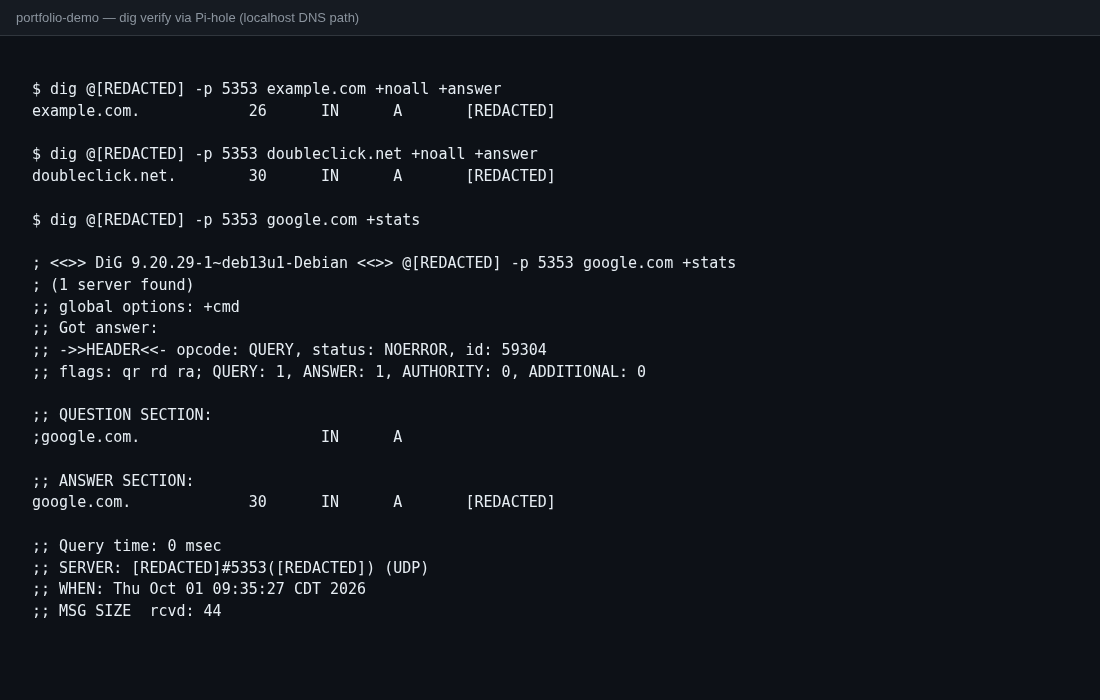
Step 5 — Close the loop
Install / rebuild paths stay marked rebuild-only while the live path is healthy. Day-to-day work is Verify + careful Local DNS hygiene. Breaking either lab or public recurse after a DNS change means stop and roll back.
Outcome
One client-facing nameserver path for the lab, identity zones forwarded to authoritative DNS, public recurse intact, and a verify habit that does not take the fleet down to prove it.