Lab SSO path — FreeIPA, Keycloak, Forgejo
Done: FreeIPA, Keycloak, and Forgejo each answer, and Forgejo redirects to Keycloak, with no rebuild and no finished login.
Requirements
This page checks a login path that is already up. It does not build three guests. The long FreeIPA and Keycloak lists live in their own guides. This is the short chain.
Hardware
- Existing FreeIPA primary.
- Existing Keycloak guest with realm
lab. - Existing Forgejo guest behind a TLS edge.
- A jump host with
dig,curl, andjq.
OS
- Jump host only for this check. You do not log in to the three guests to pass the page.
Names — change these
| Placeholder | Change it | Role |
|---|---|---|
ipa.example.lab |
Yes | FreeIPA primary |
IDM.EXAMPLE.LAB |
Yes | Kerberos realm |
keycloak.example.lab |
Yes | OIDC broker. Points at the TLS edge |
git.example.lab |
Yes | Forgejo public HTTPS. Points at the TLS edge |
dns-path.example.lab |
Yes | Fleet DNS that clients query |
lab |
Yes, if your app realm differs | Keycloak realm |
forgejo |
Yes, if the client id differs | Keycloak OIDC client |
Keycloak |
Yes, if the Forgejo auth-source name differs | String on the Sign in button |
People/hosts (ipa.example.lab)
        ↓ LDAP federation (read-only bind)
Keycloak realm lab (OIDC issuer)
        ↓ OIDC
Forgejo (Sign in with Keycloak)
DNS
- Public browser names resolve through
dns-path.example.labto the TLS edge. - Identity zones forward to FreeIPA named.
- The OS name of an enrolled guest points at the guest. Do not point that name at the reverse proxy.
Ports
| Service | Port | Protocol | Notes |
|---|---|---|---|
| FreeIPA UI | 443 | TCP | https://ipa.example.lab/ipa/ui/ — lab LAN |
| Keycloak issuer | 443 | TCP | https://keycloak.example.lab/realms/lab |
| Forgejo HTTPS | 443 | TCP | https://git.example.lab/ |
| OIDC start | 443 | TCP | https://git.example.lab/user/oauth2/Keycloak |
OIDC wiring
| Piece | Value | Change it |
|---|---|---|
| Issuer | https://keycloak.example.lab/realms/lab |
Yes |
| Federation | freeipa-ldap, read-only |
Name yes; mode no |
| Callback | https://git.example.lab/user/oauth2/Keycloak/callback |
Yes — host and auth-source name |
Packages
| Where | What | Notes |
|---|---|---|
| Jump host | dig, curl, jq |
Read-only check |
Procedure
Step 1 — Prove FreeIPA
This step exists because a broken FreeIPA hop makes Keycloak and Forgejo look dead, and this page is a check of a path that is already up.
-
Open a shell on the jump host. Substitute your names from the table. Stay in this shell for the rest of the page.
-
Resolve the FreeIPA primary through fleet DNS.
dig @dns-path.example.lab ipa.example.lab +shortWorked when you get the current A for
ipa.example.lab, not a retired address. Shape:192.0.2.10 -
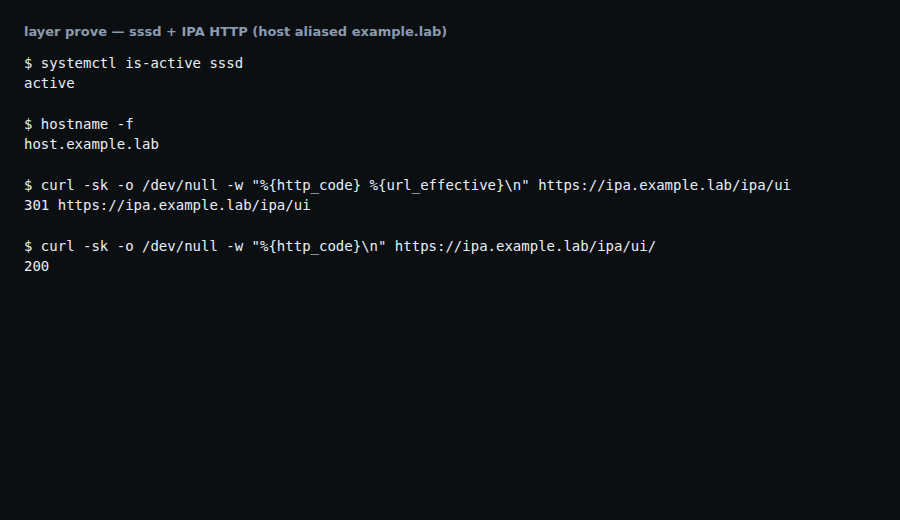
Ask the FreeIPA UI for its status code. Stay on the lab LAN.
curl -sk -o /dev/null -w 'ipa.ui:%{http_code}\n' https://ipa.example.lab/ipa/ui/Worked when:
ipa.ui:200
Step 2 — Prove Keycloak
This step exists because a live IPA UI does not prove the OIDC issuer the apps use.
-
Ask the realm issuer for its status code.
curl -sk -o /dev/null -w 'kc.issuer:%{http_code}\n' \
  https://keycloak.example.lab/realms/lab
Worked when:
kc.issuer:200 -
Read the issuer field from OpenID discovery.
curl -sk https://keycloak.example.lab/realms/lab/.well-known/openid-configuration \
  | jq -r .issuer
Worked when:
https://keycloak.example.lab/realms/lab
Step 3 — Prove Forgejo HTTPS
This step exists because a live issuer does not prove the Git TLS name the browser will call.
-
Resolve the Git public name through fleet DNS.
dig @dns-path.example.lab git.example.lab +shortWorked when you get the current TLS-edge A, not a retired address. Shape:
192.0.2.20 -
Ask Forgejo HTTPS for its status code. Do not follow a login redirect yet.
curl -sk -o /dev/null -w 'git.https:%{http_code}\n' --connect-timeout 5 \
  https://git.example.lab/
Worked when:
git.https:200
Step 4 — Prove the OIDC redirect
This step exists because HTTPS 200 on Git does not prove Forgejo will hand the browser to Keycloak. Show the hand-off. Then stop. Do not finish the browser login.
-
Open the Forgejo login page in a browser.
https://git.example.lab/user/loginIf
/already shows Sign in, use that. Worked when you see a Sign in with Keycloak button. The auth-source name in Forgejo is the stringKeycloak. Change it if yours differs. That string is also the path segment in the next command.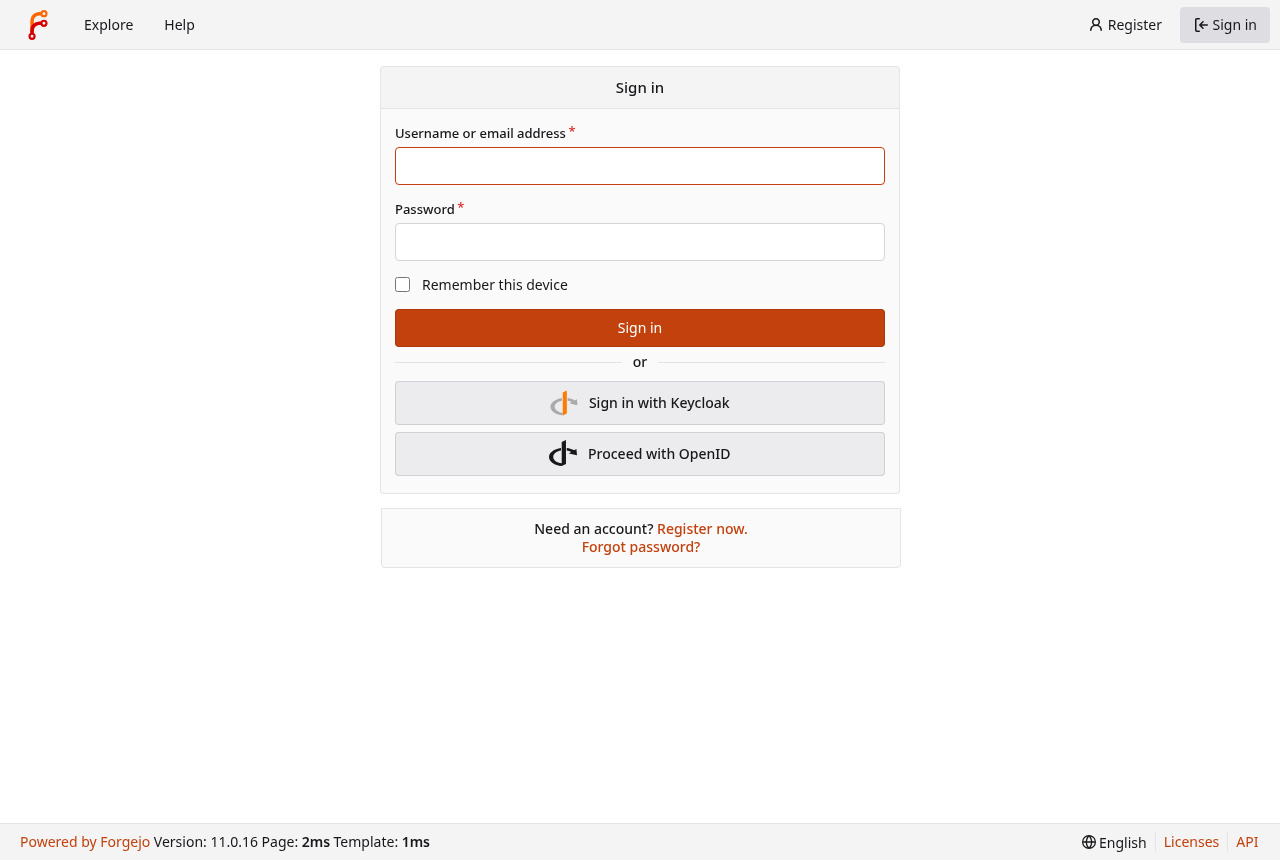
Forgejo login page — Sign in with Keycloak (scrubbed hostname; disposable sandbox capture). -
From the jump host, ask Forgejo to start OIDC. Do not add
-L. Following the redirect finishes the hop this page does not want.curl -sk -o /dev/null -w 'oauth.redirect:%{redirect_url}\n' --connect-timeout 5 \ 'https://git.example.lab/user/oauth2/Keycloak' | head -c 240Worked when the Location names
keycloak.example.labandredirect_uri=points atgit.example.lab. Shape:oauth.redirect:https://keycloak.example.lab/realms/lab/protocol/openid-connect/auth?client_id=forgejo&redirect_uri=https%3A%2F%2Fgit.example.lab%2Fuser%2Foauth2%2FKeycloak%2Fcallback&response_type=code&scope=openid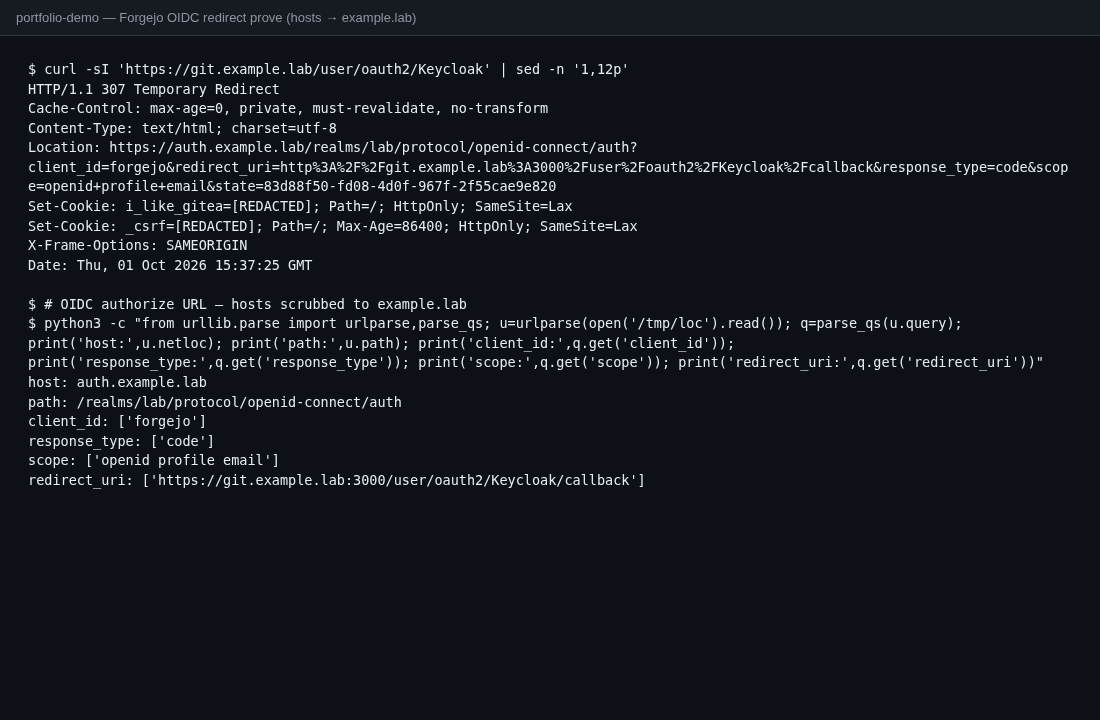
OAuth redirect terminal — Location to Keycloak authorize URL (hosts example.lab; cookies [REDACTED]).
Verification
$ curl -sk -o /dev/null -w 'ipa.ui:%{http_code}\n' https://ipa.example.lab/ipa/ui/
ipa.ui:200

$ curl -sk https://keycloak.example.lab/realms/lab/.well-known/openid-configuration \
  | jq -r .issuer
https://keycloak.example.lab/realms/lab

$ curl -sk -o /dev/null -w 'git.https:%{http_code}\n' --connect-timeout 5 \
  https://git.example.lab/
git.https:200

$ curl -sk -o /dev/null -w 'oauth.redirect:%{redirect_url}\n' --connect-timeout 5 \
  'https://git.example.lab/user/oauth2/Keycloak' | head -c 240
# expect: keycloak.example.lab in Location
# expect: redirect_uri=https://git.example.lab/user/oauth2/Keycloak/callback
This check writes no install log.
Next
Leave the path alone while it answers. If a hop breaks after a DNS or proxy change, roll that change back. To practice a host join, see the FreeIPA client enroll guide. Companions: FreeIPA check, Keycloak lab SSO. Fleet DNS: the Pi-hole guide.